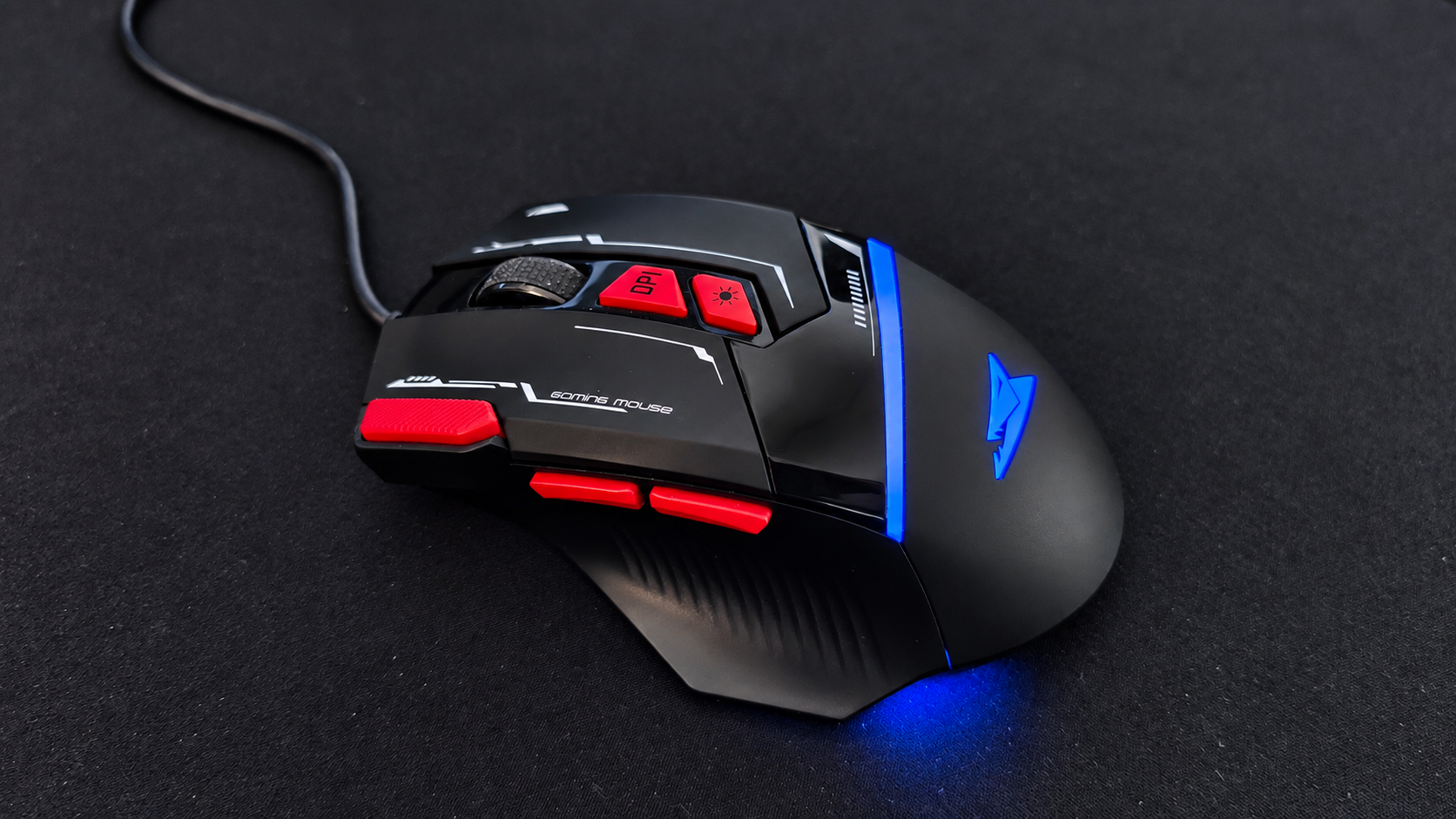
REVIEW 006 // BARACUDA MANTA // GAMING MOUSE ON A BUDGET
//SEPTEMBER 2026
Gaming mice can get expensive very quickly. But what happens when you go completely in the opposite direction?
The Baracuda Manta is a wired RGB gaming mouse that sits firmly in the budget category, but on paper it comes with features normally associated with much more expensive gaming mice. You get an optical sensor capable of up to 12,800 DPI, 8 buttons, 1000 Hz polling, RGB lighting and software support, all packed into an 81 g mouse.
I’ve now been using the Manta for around three weeks, not only for gaming but also as my everyday mouse for work and writing. And surprisingly, I actually like it.
01 // THE MANTA
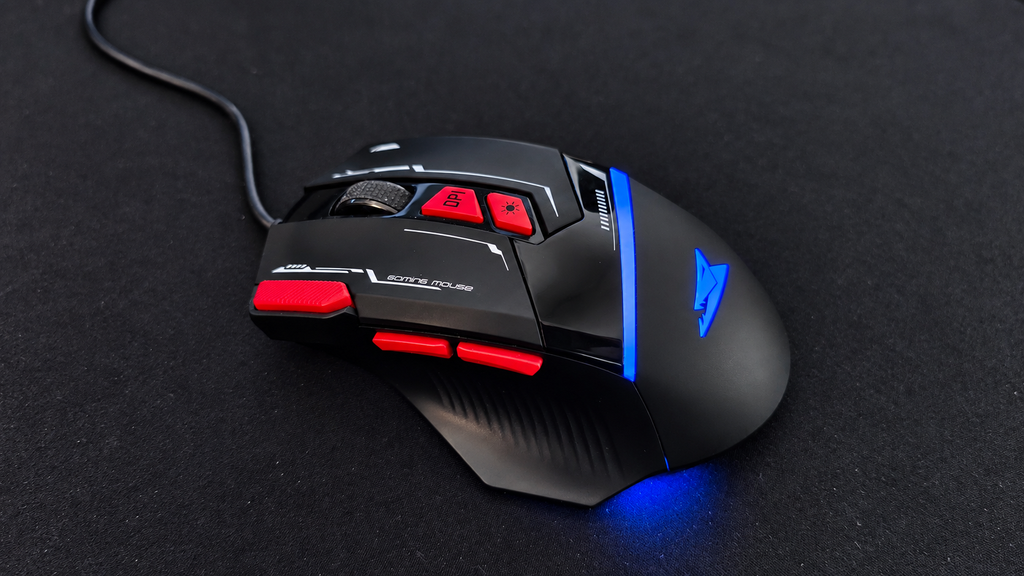
The Manta is very clearly trying to be a gaming mouse. It has the aggressive shape, plenty of buttons, adjustable DPI and, of course, a healthy amount of RGB lighting. But I’ve actually ended up using it much more as an everyday mouse than purely as a gaming peripheral.
That’s probably the more interesting test anyway.
It’s easy to make a cheap mouse look good on a specification sheet. The question is whether you still want to use it after a few weeks.
02 // SPECS
For something this inexpensive, the specification list is surprisingly long.
- Optical Instant 825 sensor
- Up to 12,800 DPI
- 8 buttons
- 1000 Hz polling rate
- Up to 20 G acceleration
- RGB lighting with 16.8 million colours
- Software support
- USB 2.0 wired connection
- 1.5 m cable
- 81 g
- 126 × 82 × 42 mm
- Rated for more than 5 million clicks
- Windows and macOS support
As always, numbers don’t tell you everything.
After three weeks, the shape and button placement have mattered much more to me than the maximum DPI number.
03 // UNBOXING
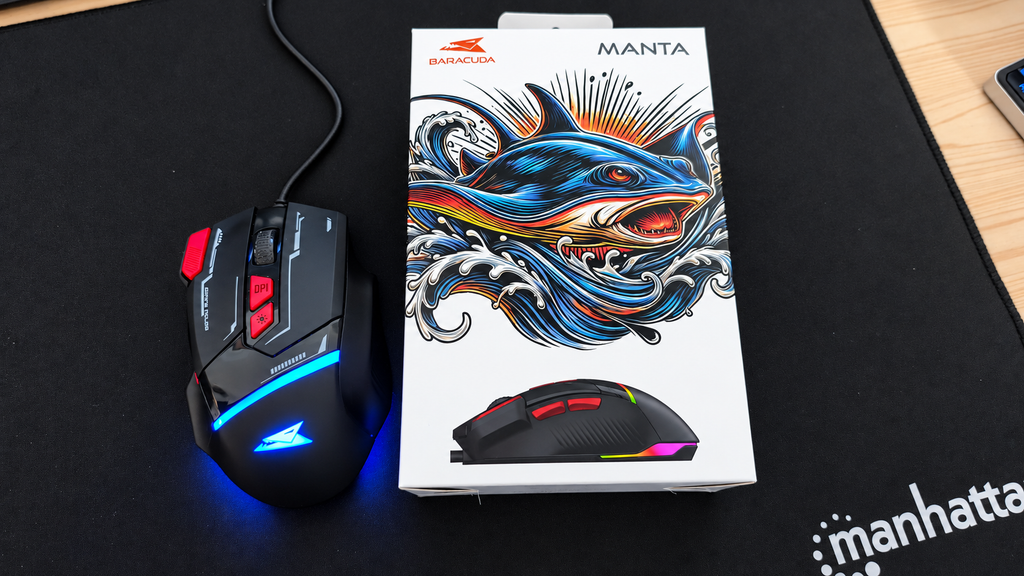
The packaging is straightforward. Take the mouse out, connect the USB cable and you’re basically ready to go. That’s still one thing I like about simple wired peripherals. There is no battery to charge. No Bluetooth pairing. No wireless receiver to lose.
Plug it in, the RGB comes alive, and start using it.
04 // DESIGN & COMFORT
This is probably one of the most important things to know about the Manta:
It’s quite a large mouse. For me, that works well. I find the shape comfortable and after several weeks of use I haven’t had any problems using it for longer periods. But if you have smaller hands, I could definitely see the Manta feeling too big.
So this isn’t necessarily a mouse I would recommend buying purely from the specification sheet without considering its size. The overall design is also something I genuinely like. It has that unmistakable gaming-mouse appearance without going completely overboard.
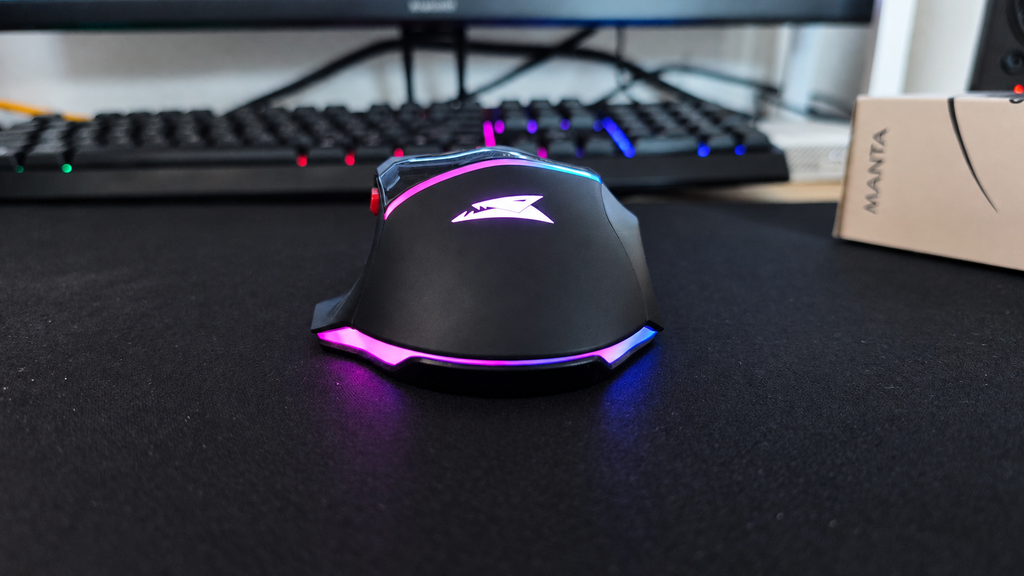
And then there is the RGB. The lighting is easily one of my favourite parts of the Manta. It looks much better in person than I expected from such an inexpensive mouse and gives it considerably more personality when sitting on the desk.
The cable is also perfectly acceptable for the price. It doesn’t feel especially premium and it isn’t something I would point to as a standout feature, but it also hasn’t given me any problems during normal use.
In other words: it’s fine, but nothing to brag about.
05 // WEIGHT
At around 81 grams, the Manta isn’t particularly heavy. At the same time, I wouldn’t describe it as an ultra-light gaming mouse either. It sits somewhere in the middle.For normal desktop use and the kind of games I play, that has been perfectly fine.
If you’re heavily into competitive multiplayer games and specifically want the lightest mouse possible, you’ll probably be looking at a completely different category of product anyway.
For my use, the weight hasn’t bothered me.
06 // BUTTONS
This is where the Manta has actually surprised me the most.
The two side buttons are positioned well and I’ve ended up using them a lot while working. They’re easy to reach without having to awkwardly change my grip, and after a few weeks they’ve become part of my normal workflow. There’s also an additional button next to the main left mouse button. I initially thought of it mostly as another gaming feature, but I’ve found it surprisingly useful when I’m doing a lot of text work and repeatedly working with copied text.
These extra buttons have probably been more useful to me while working than while gaming.
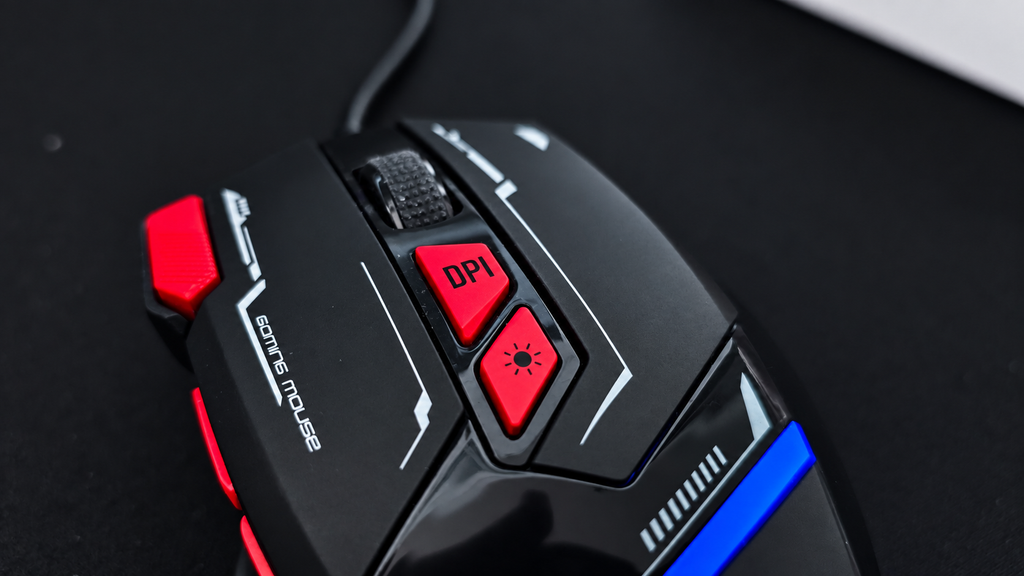
The DPI button is also conveniently positioned and lets you quickly switch sensitivity. If you play a lot of competitive or multiplayer games, being able to change DPI quickly could be genuinely useful. For me personally, it isn’t particularly important because I don’t really play multiplayer games.
Still, it’s nice to have.
07 // CLICKS & SCROLL WHEEL
The buttons themselves feel good enough for everyday use.
After several weeks I haven’t noticed anything that would make me want to stop using the mouse. The scroll wheel, on the other hand, is probably one of the least exciting parts of the Manta. It’s fine. It works. But that’s about it.
I would describe it as average rather than particularly good or bad.
Considering the price of the mouse, though, that’s not exactly a major complaint.
08 // SOFTWARE
Baracuda also provides software for the Manta, which should allow additional configuration of the mouse. Unfortunately, this is one part I haven’t been able to properly test yet. On most of my LAB computers I run Linux, but software is only supported for Windows.
So I’m not going to judge the software without any test,beacuse for this review, I’ve mainly been using the mouse as it works out of the box.
And honestly, even without touching the software, I’ve been perfectly happy using it.
09 // THREE WEEKS LATER
This is where the Manta has done better than I originally expected. I’ve been using it for roughly three weeks now for normal desktop work, writing and some gaming, and I haven’t felt the need to replace it. That’s probably one of the best things I can say about a cheap peripheral.
The large shape works well for my hands. The side buttons are genuinely useful. The extra button has found its place in my normal work routine. The RGB looks great. The cable is good enough for normal use. And despite clearly being a budget product, nothing about it has made me want to immediately go back to another mouse.
There are better mice. There are lighter mice. There are certainly more premium mice.
But the Manta has been completely usable as an everyday mouse.
10 // VERDICT
After around three weeks with the Baracuda Manta, I like it more than I expected to. Its biggest consideration is probably its size. If you have larger hands, the shape can be very comfortable. If your hands are smaller, I would be a little more careful because this is definitely not a compact mouse.
The RGB looks great, the button placement is genuinely useful and the mouse has worked just as well for everyday productivity as it has for casual gaming. The scroll wheel is average, the cable is nothing special and I haven’t been able to test the software yet.
But that’s also missing the point. This is a very inexpensive gaming mouse. And after three weeks, I’m still happily using it every day.
For a budget peripheral, that’s a pretty successful result.
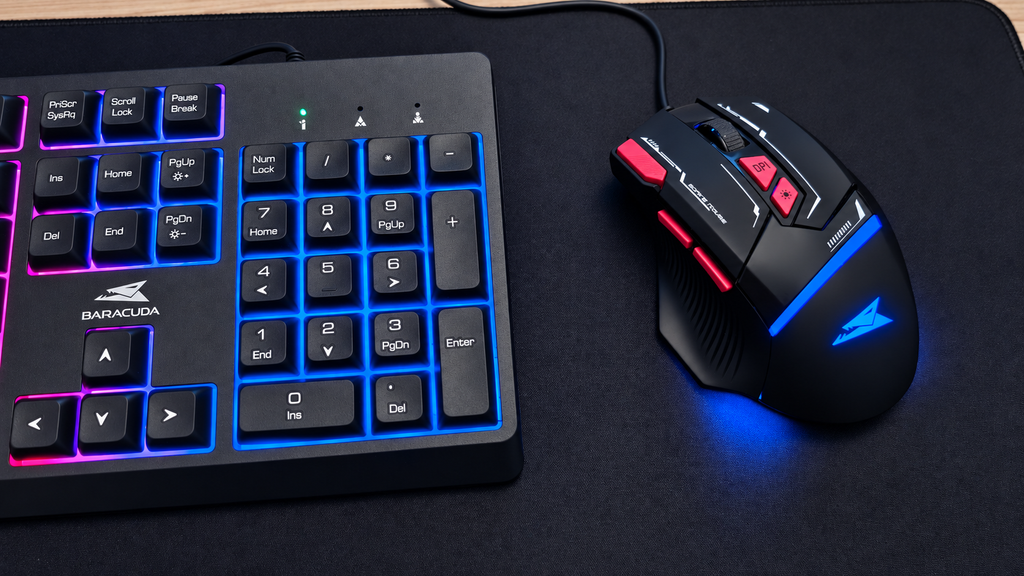
Spoiler: the keyboard isn’t here by accident.
// END OF REVIEW 006